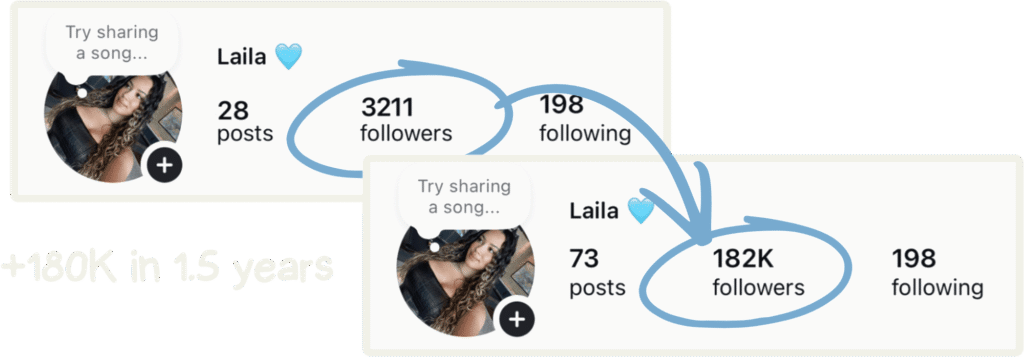



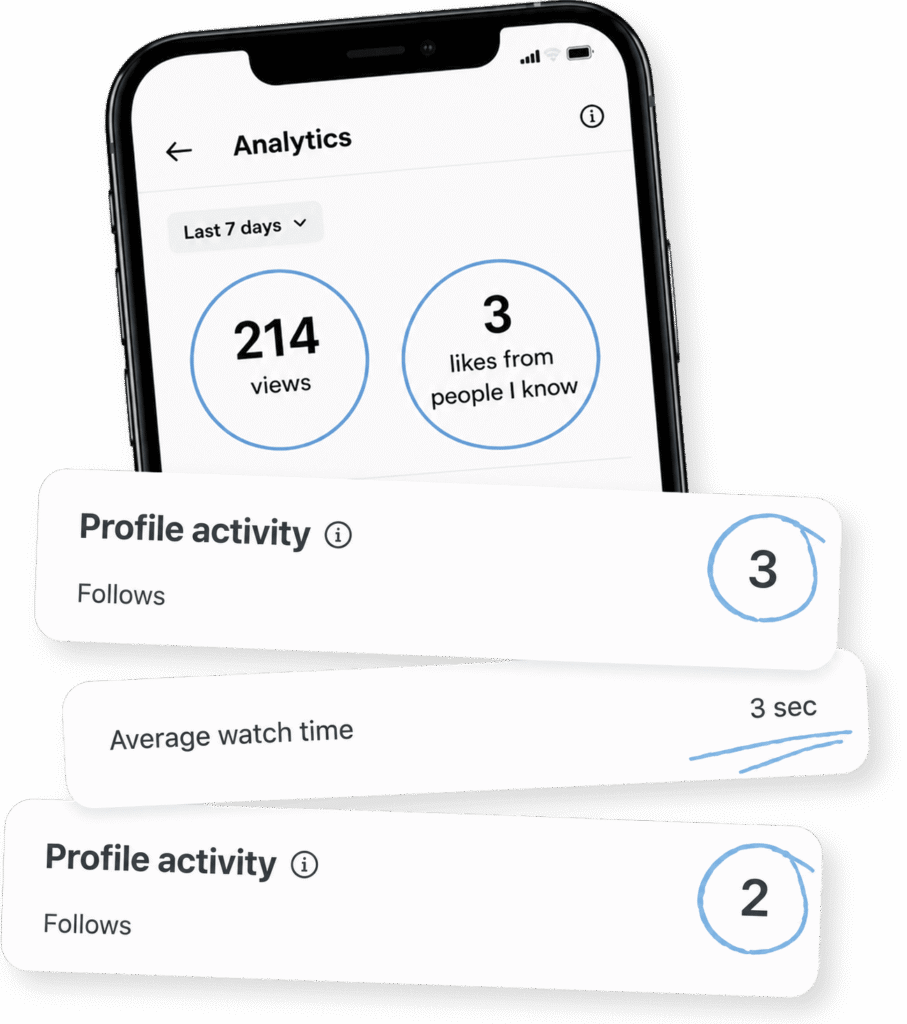

Learn the exact editing system I used to grow
from 3K to 180K+ followers.
Full video lessons from first hook to final post. Plus every sound, font, overlay, & animation I use to keep people watching.
Lifetime Access • Updated Monthly • Taught in CapCut


Hundreds of viral videos
Studied frame by frame
Two years of testing.
Most of it failed.

But what worked kept working
Until I had

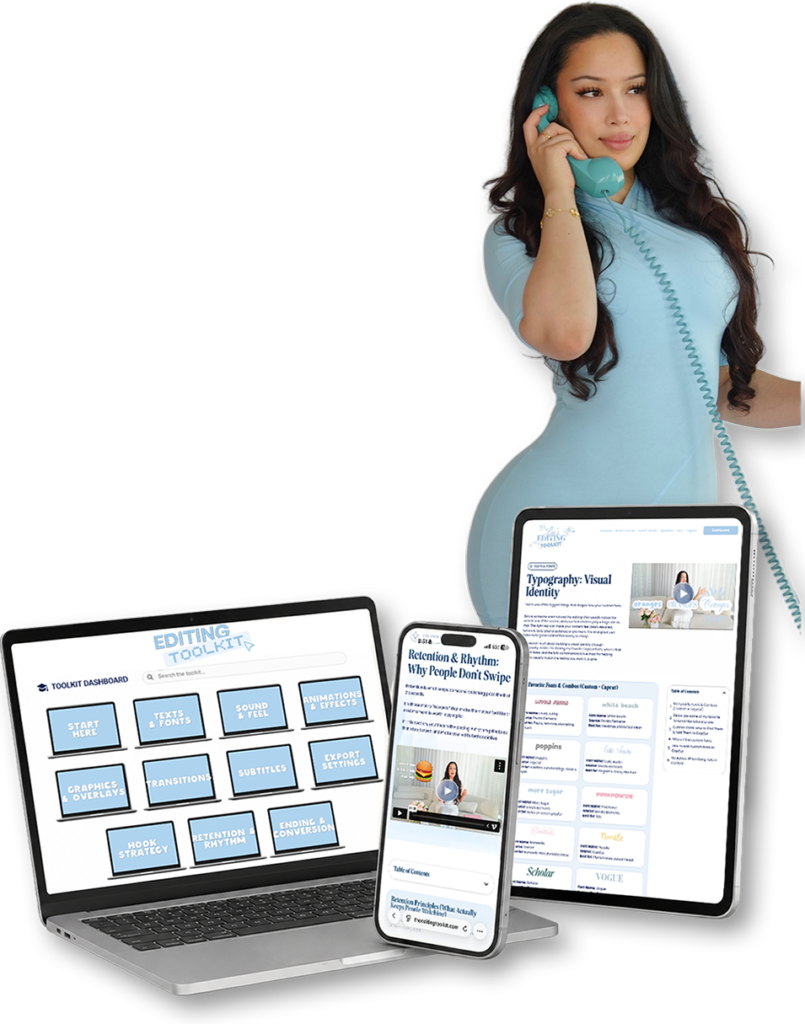
11 sections. Every one with a full video lesson.
Plus the tutorials, assets & frameworks behind it.
Start Here
How the toolkit works, how to navigate it, and how to get real results from every section.
Export Settings
The exact mobile + desktop CapCut settings for sharp, platform-ready videos — and what each setting means.
Texts & Fonts
My favorite CapCut + custom fonts, the exact pairings I use, and how to install any font into CapCut.
Sound & Feel
My go-to sound effects — downloadable, labeled by use — plus my rules for clean, alive-feeling audio.
Animation & Effects
Step-by-step tutorials for my signature edits: product grab, handwriting titles, reveals & more.
Graphics & Overlays
Retention overlays, text cards & creator graphics that make edits feel polished — ready to drop in.
Transitions
My custom + CapCut transitions, each labeled with exactly when to use it.
Subtitles
Generate, style & place subtitles that stay readable, on-brand, and retention-friendly.
Hook Strategy
Why people click: verbal, visual & text hooks — with my exact process for writing ones that work.
Retention & Rhythm
Why people don't swipe: when to zoom, slow down, add impact, and control rhythm on purpose.
Ending & Conversion
Endings that earn the follow: my payoff → reframe → second hook → CTA formula.

so posting stops feeling like a bet you keep losing.

so your likes stop coming only from people you know.

so you never give a whole evening to a video that dies at 214 views

so refreshing your analytics becomes the best part of posting.

If yours isn’t here, please email support@theeditingtoolkit.com
Everything is taught in CapCut, the exact app I use for every video you’ve seen on my page. It’s powerful enough for advanced, intentional editing without the learning curve (or price tag) of Premiere or DaVinci. The toolkit covers both mobile and desktop, so you can edit however you already work. And if you edit in another app, the strategy, hooks, retention, rhythm, transfers fully; the technical walkthroughs are shown in CapCut.
No. The Start Here section walks you through the toolkit and CapCut from zero, and every tutorial is step-by-step. If you’re more experienced, skip straight to the sections you need. The toolkit is built to be useful in any order.
If your content lives on Reels, TikTok, or Shorts, yes. The system is about hooks, retention, and rhythm, which work whether you make talking-head videos, vlogs, lifestyle, tutorials, or brand content. The examples are mine, but the principles are universal, and I show you how to adapt them to your style.
You can learn tricks free. I did, for two years. What free content doesn’t give you is the system: why edits perform, in what order to fix things, and the actual assets ready to drop in. The toolkit is that two years, organized. You’re not paying for information. You’re paying to skip the guessing.
Instantly. The moment you purchase, you get your login to the portal. You could be editing with it tonight.
Forever. One payment, lifetime access, including every new tutorial I add. No subscription, no renewal, ever.
New tutorials: new signature edits, new effects, new trends broken down. The core lessons stay (they’re the system, and the system doesn’t expire), but the tutorial library keeps growing. Everything new is included in what you already paid.
You send me one of your videos, and I break it down second by second. For every moment people stop watching, you get the timestamp, what went wrong, and the exact fix: the hook that didn’t hook, the cut that came half a second late, the text that made them read instead of watch, the ending that let them scroll away. You play your video next to my notes and see every decision I’d change, and why.
The real value is this: your editing mistakes aren’t random, they’re habits, and the same few are costing you retention on every video. Fix them once and you’ve fixed every video you’ll make after. Your breakdown lands within 7 days, and you submit within your first 90 days so you can apply it while the momentum is fresh.
It’s one month of working on your content with me, and we all start together on the 1st. Week one, we break down what you’ve been posting and find where it’s leaking. Week two, we build your signature style so your videos look like yours. Week three, you post with the new system and we refine it against real numbers. Week four, we map your next 90 days so the growth continues without me. Between calls, you have direct access to me: send the hook before you film it, the edit before you post it, the video that flopped. Everything you post that month, I review.
You walk in editing by instinct and walk out with a system built on your content and proven on your account. Three spots a month, because I can’t give more people this and still mean it. Claim one and you’ll hear from me within 24 hours. And if, after our intake, I don’t believe I’m the right person to help you, I refund you in full before we start.
If you create content as a business (brand deals, UGC, freelance editing), education that improves your work is typically a deductible business expense. I can’t give tax advice for your situation, so check with your accountant, but your receipt will have everything they need.
Often, yes. Many companies have a learning and development budget that covers exactly this. Forward the toolkit page to whoever approves training expenses, and if they need an invoice or anything formal to process it, email me at support@theeditingtoolkit.com and I’ll sort it out.